 Colorea
Tips to color better and faster
A picture with 2,000 areas sounds like a lot, but with a little order you make quick, calm progress. These are the tips that work best, whether you color by number or freely.
1. Finish one color before switching
Switching colors all the time wastes time and breaks your flow. If you finish a whole color, you know what you're looking for, and areas of the same color tend to be together: the sky, the leaves, the water. In Colorea, when a color is done the palette moves to the next one by itself.
2. Start with the big areas
Backgrounds and large areas shape the picture right away, and watching it appear keeps you going. Leave the small areas for later, once the picture has taken shape. If a color has both big and tiny areas, do the big ones of every color first.
3. Go through the picture in order
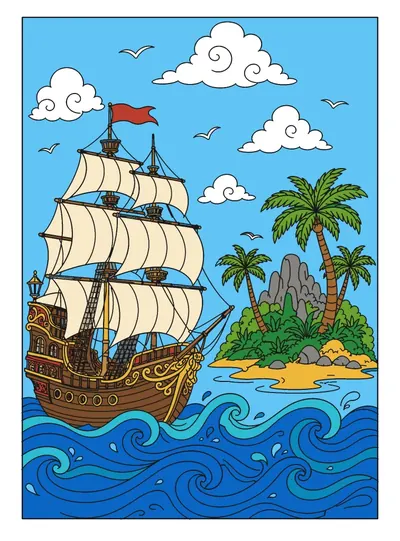
Zoom in just enough to read the numbers and go from top to bottom and left to right, as if reading. Jumping around makes it easy to miss areas you'll have to hunt for later.
4. Leave the tiniest areas for the end
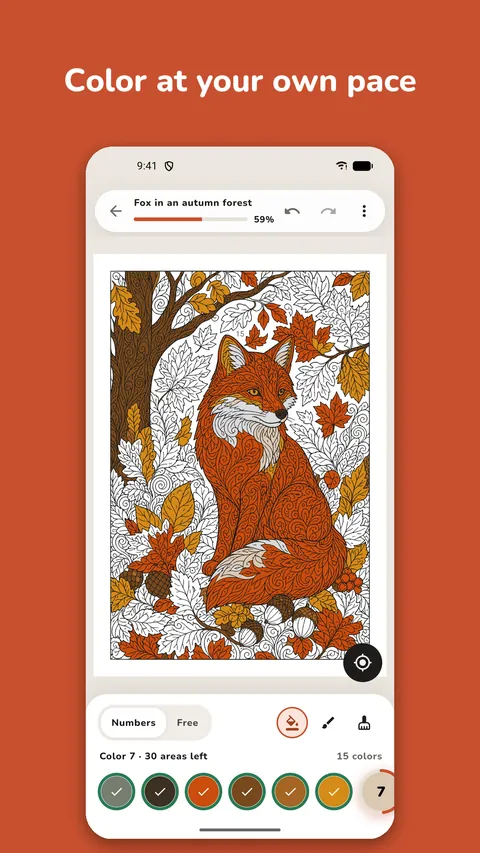
There are always small gaps between lines at the end. Don't waste time looking for them by eye: watch each color's ring and use the find button (◎), which takes you to the next one missing.
5. Pick the right level
The level isn't about easy or hard, it's about how much time you feel like spending. Colorea has three:
- Medium: from about 80 to 700 areas. By our estimate, from a few minutes to half an hour.
- Detailed: from about 300 to 1,600 areas. Usually under an hour.
- Expert: from about 1,000 to more than 4,700 areas. Several sessions.
If a picture feels overwhelming, that's not on you: try one a level lower.
6. Several short sessions work better
You don't have to finish in one go. Your artwork saves itself, and fifteen or twenty minutes a day go a long way. That way coloring stays a calm moment rather than a chore.
7. If you make a mistake, undo
A wrongly colored area is no problem: the undo button puts it back. In free mode you also have the eraser.
8. In free mode, keep to a few colors
If you color freely, choose a palette of three to five colors first and start with the background. With few colors it rarely ends up looking busy. The guide on how to combine colors has ideas for choosing them.
9. Prefer paper?
From each picture's menu you can export a blank PDF with the lines, the numbers and the color key, to print it and color with pencils.
Keep reading
Try coloring
Free, no account needed.